
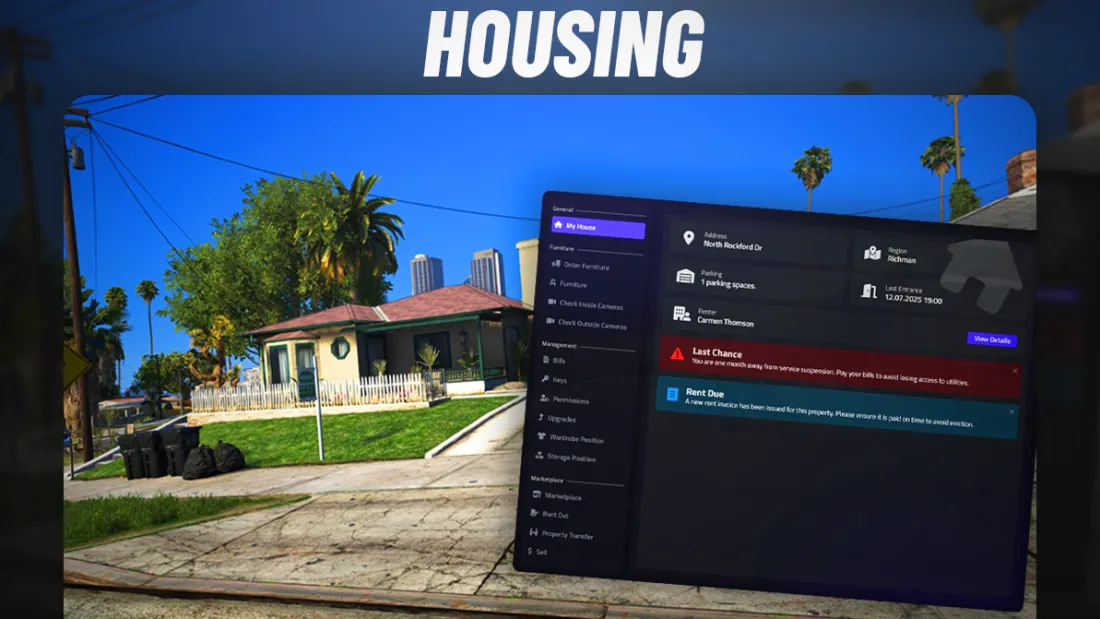
Start with your existing server
Before comparing housing scripts, note your framework and its version, along with the inventory, garage, clothing and targeting resources already running on your server. A claim such as "supports QBCore" does not tell you whether your particular garage or inventory will work without changes.
Look for a compatibility list that separates built-in integrations from those requiring custom code. If your server depends on a specific integration, confirm that exact combination before buying or allow time to test it.
Choose the property types you actually need
List the interiors you already use and the ones you plan to add. Then check which property types the housing script supports, whether you can add custom shells, and how much work that takes when you have a large catalog of interiors.
A long feature list matters less than a good fit with your actual map and property setup. Make sure adding the properties you need will be manageable for your team.
Experience it as a player
When you can try a demo or test the resource, use it as a player rather than only as an administrator. Go through the full journey: find a property, buy or rent it, get the keys, invite another player, use storage, furnish the interior and leave or sell the property. That is how you notice missing permissions and awkward steps a promotional video might skip.
Plan for a full housing system
A housing system touches more parts of a server than a simple HUD. Interiors, property records, access permissions, keys, storage, garages and furniture all need to work together. Allow time for configuration instead of expecting a one-click installation.
Read the setup documentation, list the integrations your server relies on and start with a small group of test properties. Configure one interior type, check the full player journey, then expand. With a feature-rich system like VMS Housing, this makes conflicts easier to spot and gives your staff a repeatable way to add more properties.
Test with the integrations you actually use
On a test server, use the same framework and key integrations as your live server. Create a property, restart the server, then test entry, key sharing, storage, garages and permissions with two players. Work through the full flow so you can find conflicts before everyone starts using the system.
Check performance during actions players will repeat: entering interiors, opening storage and placing furniture. An idle benchmark alone does not show how the whole system feels in play.
Look beyond the cinematic trailer
A cinematic trailer can show the atmosphere, but it may not show how a player opens menus, buys a property, shares keys or places furniture. Before deciding, look for a real gameplay walkthrough that shows those interactions from start to finish.
If a video leaves you unsure how something looks or works, ask the creator to show that exact interaction or look for feedback from people who use the resource. Your players will interact with the script every day, not just watch its trailer.
A quick checklist before you decide
Before choosing a FiveM housing script, use its documentation, real gameplay footage and answers from the creator to check:
- Does it support your exact framework and version?
- Are the integrations you need included, or can missing ones be added?
- Can it handle the shells, IPLs and MLOs used on your server, including custom interiors?
- Can staff create and manage properties without awkward manual database work?
- How much setup do your interiors, permissions and integrations require?
- Have you seen how the key player interactions work in real gameplay?
- Is there current documentation and a clear support path for problems?